Automate batch processing of hundreds of photos
Discover how to automate bulk photo editing with scripts and AI tools. Optimize your professional photo workflow.
Introduction
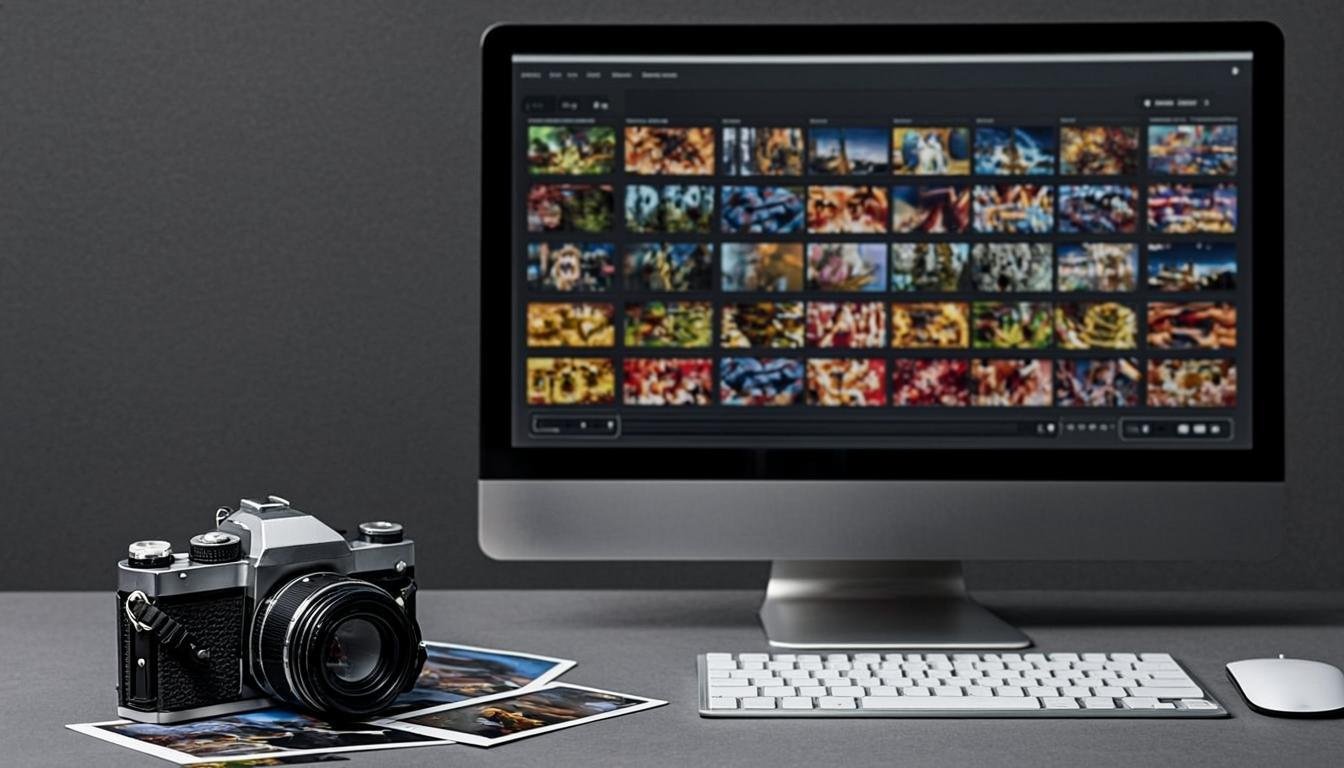
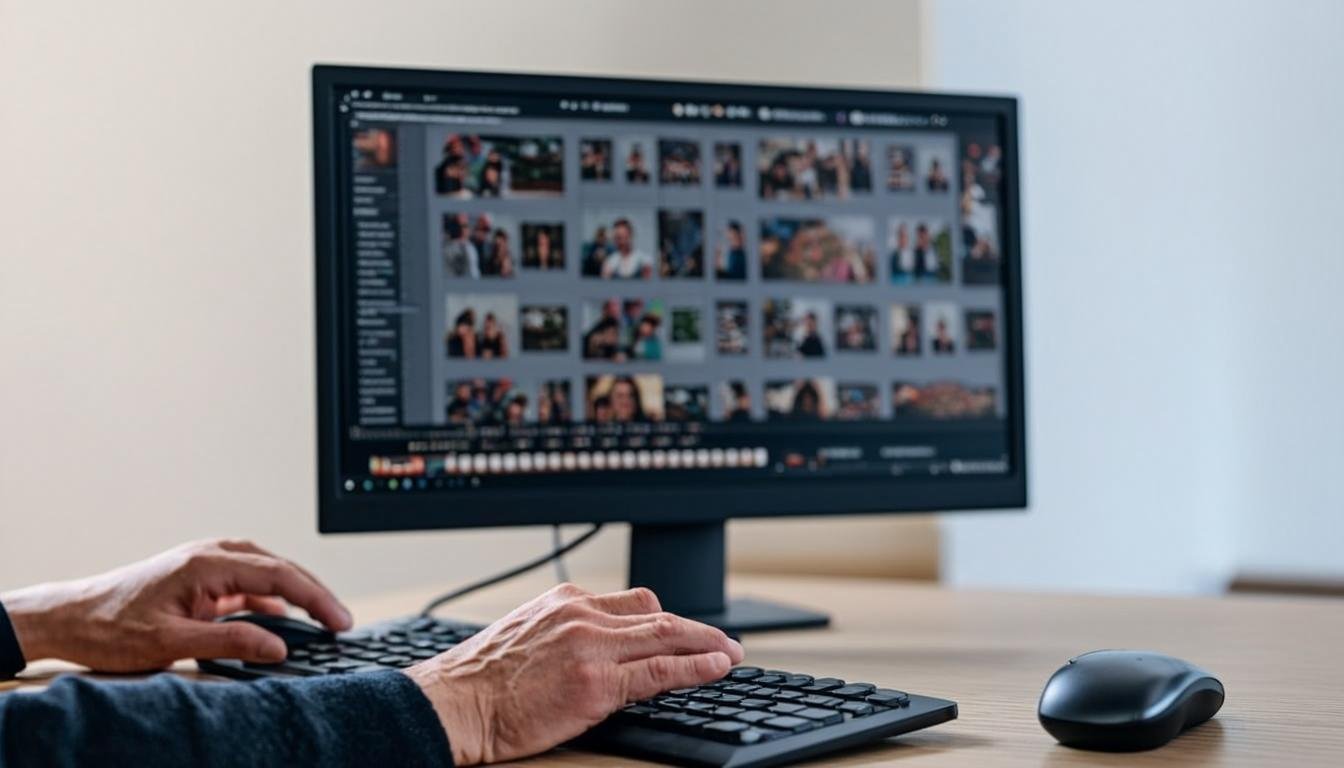
In the world of modern photography, processing large quantities of images can quickly become a tedious task. Whether you're a professional photographer, an enthusiast, or a content creator, the need to automate batch processing of hundreds of photos has become essential for saving time and improving the efficiency of your workflow. This article explores the various methods and tools for automating your photo editing, from custom scripts to specialized AI platforms.
Why automate batch photo processing?
Automating mass photo processing offers numerous advantages:
-
Significant time savings: Manually processing hundreds of photos can take days, while a well-designed automation can reduce this time to just a few hours.
-
Consistent results: Automation ensures that all your images undergo the same treatments, ensuring uniformity in your portfolio.
-
Reduction of human errors: Repetitive processing is prone to errors, which automation eliminates.
-
Increased productivity: By freeing up time, you can focus on more creative aspects of your work.
-
Scalability: Whether it's 100 or 10,000 photos, an automated solution can adapt to your needs.
Methods for automating photo processing
Custom scripts
Custom scripts represent one of the most powerful approaches to automating batch photo processing. Languages like Python with libraries such as Pillow, OpenCV, or GIMP Script-Fu allow for creating custom workflows.
For example, a Python script can:
- Apply basic corrections (exposure, contrast, white balance)
- Resize all images according to precise specifications
- Add a watermark
- Rename files according to a defined pattern
Simple Python script example for resizing images:
from PIL import Image
import os

input_folder = "original_photos"
output_folder = "resized_photos"
size = (1920, 1080)  # New size

if not os.path.exists(output_folder):
    os.makedirs(output_folder)

for filename in os.listdir(input_folder):
    if filename.endswith(('.jpg', '.jpeg', '.png')):
        img = Image.open(os.path.join(input_folder, filename))
        img_resized = img.resize(size, Image.LANCZOS)
        img_resized.save(os.path.join(output_folder, filename))
        print(f"Resized: {filename}")
Using Lightroom and Photoshop
Adobe Lightroom offers built-in features for batch processing:
- Synchronized Presets: Apply the same adjustments to multiple photos
- Export Module: Configure standard export settings for batches of images
- Scripts and External Plugins: Extend functionality with plugins like LR Batch Processor
Photoshop, on the other hand, offers action recording and batch execution via the "File > Automate > Batch" menu.
Specialized Photo Automation Tools
Several specialized software programs focus on photo processing automation:
- Capture One: Advanced features for professional photographers
- DxO PhotoLab: Automatic correction modules and batch processing
- Phase One: High-end solutions for processing large volumes
AI is revolutionizing photo retouching automation
Artificial intelligence is radically transforming how we automate mass photo processing. AI algorithms can now perform tasks that were once reserved for retouching experts:
Automatic Defect Correction
AI can automatically detect and correct:
- Red-eye
- Skin blemishes
- Exposure issues
- Optical distortions
- Digital noise
Custom Styles and Looks
Platforms like AllCombiner allow you to create custom retouching styles that can be applied to hundreds of photos with a single click. AI analyzes your preferences and applies the same aesthetic corrections to your entire selection.
Contextual Editing
The latest AI advancements enable contextual editing where the algorithm understands the image content and applies appropriate adjustments:
- Landscape enhancement (color enhancement, contrast)
- Portrait retouching (skin softening, eye enhancement)
- Food photo optimization (color saturation, sharpness)
Setting up an effective automated workflow
To set up an effective automation system, follow these steps:
1. Analyze Your Needs
Determine which repetitive tasks take the most time in your current photo workflow. Prioritize those that can be automated.
2. Choose the Right Tools
Based on your needs, opt for:
- Custom scripts for total control
- Specialized software for specific features
- AI platforms for fast and consistent results
3. Create Processing Templates
Develop "recipes" for processing that can be applied to different types of photos. For example:
- Template for portrait photos
- Template for landscapes
- Template for product photos
4. Test and Refine
Before applying automation to all your photos, test it on a representative sample. Refine the settings until you get satisfactory results.
5. Integrate automation into your workflow
Once you are satisfied with the results, integrate the automation into your regular workflow. This can include:
- Organizing files by type
- Automatic naming
- Applying specific templates
Practical cases of photo automation
Weddings and events
For wedding photographers, automation can:
- Apply basic corrections to all raw photos
- Automatically select the best images
- Generate web galleries
- Create pre-formatted photo albums
Commercial photography
In commercial photography, automation enables:
- Ensuring visual consistency across all product photos
- Applying specific brand filters
- Generating size variations for different channels
- Automatically creating product setups
Travel photography
For travelers and bloggers, automation can:
- Correct time zone offsets in metadata
- Apply adjustments suited to shooting conditions
- Organize photos by destination or date
- Generate visuals for social media
The limitations of photo automation
Despite its many advantages, automating photo processing has certain limitations:
Creativity and artistic judgment
Automation cannot completely replace the artistic judgment of a photographer or retoucher. Some creative decisions require human intervention.
Complexity of situations
Complex scenes with difficult lighting or multiple subjects may require more in-depth manual processing.
Initial investment
Setting up an effective automation system may require an investment of time and/or money, especially for professional solutions.
Future trends in photo automation
The field of photo automation is evolving rapidly. Here are some trends to watch:
Generative AI
Generative AI models like DALL-E and MidJourney are beginning to influence photography, offering new creative and editing possibilities.
Predictive automation
Future solutions will be able to anticipate processing needs based on image content, metadata, and user preferences.
Cloud-native integration
Next-generation photo automation platforms will be entirely cloud-based, enabling remote processing and real-time collaboration.
Conclusion
Automating batch processing of hundreds of photos represents a major advancement for professional and amateur photographers. Whether you choose to develop your own scripts, use specialized software, or turn to AI solutions like AllCombiner, the significant time and efficiency gains will allow you to focus on what truly matters: creation.
By adopting these technologies, you're not just streamlining your workflow—you're empowering yourself to produce more, better, and faster. The future of photography lies in intelligent automation, and those who embrace it will have an undeniable competitive advantage.
Ready to transform your photo workflow? Discover how AllCombiner can help you automate your batch processing and unlock your creativity.
Related articles