Photo output format: Auto, 1:1, 16:9 and more
Discover how to choose the right photo output format between Auto, 1:1, 16:9 and other aspect ratios to optimize your images.
Introduction
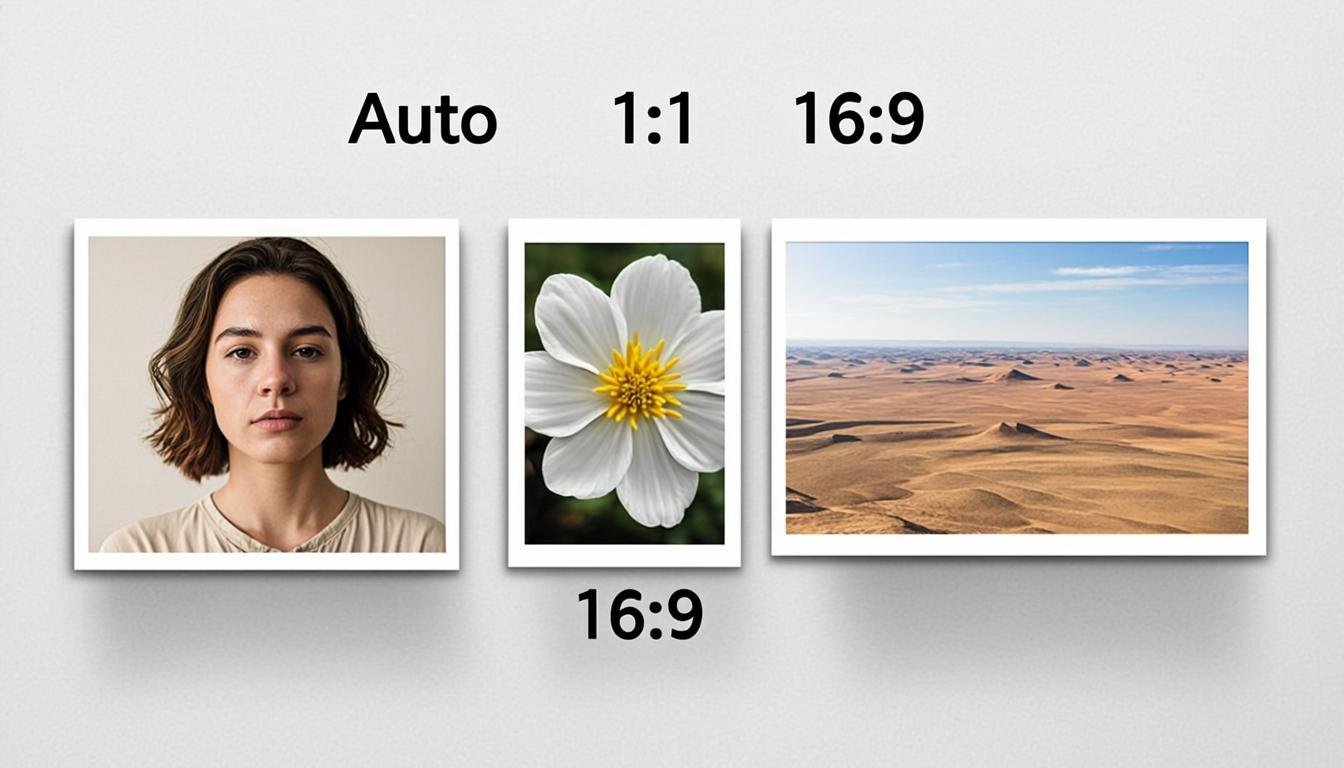
The world of digital photography is full of techniques and parameters to master to achieve perfect images. Among these fundamental elements, the output format or image ratio plays a crucial role, determining the composition and visual impact of your photographs. Whether you're an amateur or professional photographer, understanding the different formats available - Auto, 1:1, 16:9 and more - will enable you to make informed choices based on your creative needs and the platforms on which you share your work.
In this article, we will explore in depth the different output formats, their advantages, their disadvantages, and the situations where each one proves most relevant. We will also see how artificial intelligence is revolutionizing image ratio management through tools like AllCombiner, which offers advanced Auto format fusion solutions.
Understanding the basics of image format
The image format, also called aspect ratio or output format, refers to the proportion between the width and height of an image. Expressed as two numbers separated by a colon (such as 16:9), this ratio determines the geometric shape of your photograph.
The most common ratios
- 16:9: Wide format ideal for modern screens (televisions, monitors)
- 3:2: Traditional format of film photography, used by most DSLRs
- 4:3: More square format, popular on compact and hybrid cameras
- 1:1: Square format, very popular on social media like Instagram
- 21:9: Ultra-wide, used for panoramic and cinematic photos
The importance of the output format
The choice of output format directly influences:
- The composition of the image
- The emotional impact of the photograph
- Compatibility with different media and platforms
- Flexibility for post-production
- Optimization for the web and social media
The Auto format: flexibility above all
The Auto format represents the most versatile option available on most modern cameras. When you select this format, your camera captures the image in the sensor's native ratio, typically 3:2 for DSLRs or 4:3 for hybrids.
Advantages of the Auto format
- Maximum quality: You capture the image in its native resolution without any artificial compression
- Post-processing flexibility: You can crop the image later into any ratio
- Workspace: The native format offers the largest possible composition space
- Preservation of details: No part of the image is lost during capture
When to Use the Auto Format?
The Auto format proves particularly useful in the following situations:
- When capturing images for multiple uses
- For projects requiring significant cropping in post-production
- When photographing subjects whose movement is difficult to predict
- For photographers who prefer to keep all their options open
The 1:1 Format: The Elegance of the Square
The 1:1 square format, popularized by Instagram, has become an essential choice for photographs intended for social media. This format imposes a different composition, forcing the photographer to think in terms of geometric shapes and balance.
Characteristics of the 1:1 Format
- Equal proportions: Identical width and height (1:1)
- Centered composition: Encourages placing the subject in the center or creating a symmetrical balance
- Retro-modernity: Evokes the format of old Rolleiflex cameras
- Social optimization: Ideal for Instagram and other square platforms
Advantages of the 1:1 Format
- Balanced aesthetic: Creates a sense of harmony and stability
- Focus on the subject: The square format eliminates distractions from the edges
- Immediate recognition: The square format is easily identifiable
- Universal compatibility: Adapts well to most media and screens
Disadvantages of the 1:1 Format
- Loss of resolution: Uses fewer pixels than the native format
- Constrained composition: Requires careful thought at the moment of capture
- Less suitable for landscapes: The square format can cut off horizontal elements
The 16:9 Format: Cinema in Your Pocket
The 16:9 format is the standard for modern screens, televisions, and video content. This wide format offers a panoramic view that can transform an ordinary photograph into an immersive experience.
Characteristics of the 16:9 Format
- Increased width: Almost twice as wide as it is tall
- Viewer immersion: Creates a sense of immersion and expanse
- Technological modernity: Matches current screen standards
- Video compatibility: Easy to integrate into video projects
Advantages of the 16:9 Format
- Strong visual impact: Ideal for landscapes and wide scenes
- Maximum compatibility: Adapts perfectly to modern screens
- Standard compliance: Meets the expectations of contemporary viewers
- Creative flexibility: Allows for play with horizontal lines
Disadvantages of the 16:9 Format
- Loss of height: Reduces the vertical part of the image
- Delicate composition: Requires special attention to vertical elements
- Less suitable for portraits: Can cut off the head or shoulders of subjects
- Limited space for printing: Difficult to print in large format without cropping
Other output formats to consider
Beyond the Auto, 1:1, and 16:9 formats, several other aspect ratios deserve your attention depending on your creative needs.
4:3 Format: The timeless classic
The 4:3 format was the standard for early digital devices and CRT screens. It offers a balance between the square and the widescreen format.
3:2 Format: The choice of DSLRs
Native format for most DSLRs, 3:2 offers a compromise between the square and the panoramic.
21:9 Format: The ultra panoramic
This ultra-wide format is ideal for spectacular landscapes and scenes requiring an immersive view.
5:4 Format: The artistic compromise
Close to square but slightly wider, 5:4 offers an interesting alternative to more standard formats.
How to choose the right output format?
The choice of output format depends on several factors that we will examine here.
Consider your final destination
The first question to ask is: where will this image be used?
- For Instagram: The 1:1 or 4:5 format
- For Facebook: The 16:9 or 1:1 format
- For a website: The 16:9 or 3:2 format
- For printing: The native format (usually 3:2)
Evaluate the subject of your photography
The type of subject also influences the choice of format:
- Portraits: Vertical formats (2:3, 4:5)
- Landscapes: Wide formats (16:9, 21:9)
- Architecture: Square or standard formats (1:1, 3:2)
- Streets and urban: Flexible formats depending on the composition
Anticipate your cropping needs
If you plan to crop your images in post-production, the Auto format gives you more flexibility. However, if you know exactly how to compose your image, choosing a specific format can save you time.
AI and Auto Format Fusion: A revolution
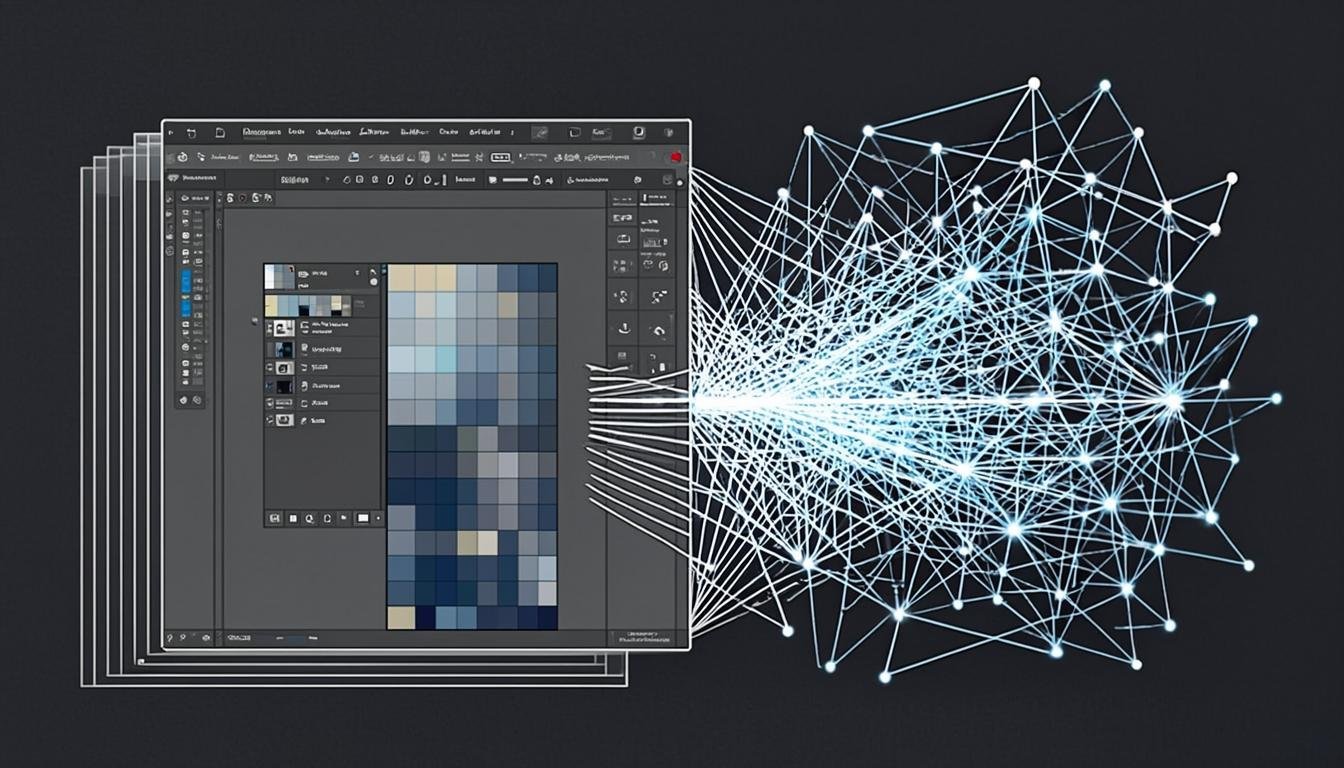
The advent of artificial intelligence has transformed how we manage image formats. Tools like AllCombiner now offer Auto Format Fusion solutions that allow for manipulating image aspect ratios with unparalleled precision.
The advantages of AI for format management
- Smart cropping: AI can analyze an image and determine the best possible crop
- Automatic optimization: Algorithms can adapt images to different formats without loss of quality
- Fusion of multiple formats: Tools like AllCombiner allow combining multiple images in different formats into a single coherent render
- Usage-based predictions: AI can recommend the optimal format based on the intended destination of the image
How AllCombiner Revolutionizes Format Management
AllCombiner offers an Auto format fusion solution that allows photographers to:
- Combine multiple images in different formats into a harmonious render
- Automatically adjust ratios for optimal presentation
- Create complex layouts that respect the proportions of each element
- Optimize images for different platforms without manual effort
Practical Cases: Choosing the Right Format for Different Situations
Landscape Photography
For a spectacular landscape, the 16:9 or 21:9 format can highlight the vastness of the scenery. However, if you want to capture a vertical element like a cliff or a tree, the 3:2 or 4:3 format might be more appropriate.
Portrait
Vertical portraits (2:3 or 4:5) are generally preferred to emphasize the subject. However, a square format can create a strong impact for a close-up facial portrait.
Street Photography
For street photography, flexibility is essential. The Auto format allows you to quickly capture situations in their native format, then choose the appropriate cropping in post-production.
Food Photography
For food, the square format (1:1) is very popular as it showcases dishes in a balanced and appetizing way. The 4:3 format can also be a good choice for elaborate dishes.
Tools and Software for Managing Image Formats
Native Camera Applications
Most modern cameras offer a selection of predefined formats in their settings menus.
Post-Production Software
Adobe Lightroom, Photoshop, Capture One, and DxO PhotoLab all offer advanced tools for managing image formats and aspect ratios.
Auto Format Fusion Solutions
Platforms like AllCombiner offer specialized solutions for intelligent image format management, particularly useful for complex layouts.
Conclusion
The choice of output format is a creative decision that profoundly influences the impact of your photographs. Whether you opt for the flexibility of the Auto format, the elegance of the 1:1 square, the immersion of 16:9, or any other ratio, each format offers unique possibilities to express your artistic vision.
The best approach is to master the various formats available and choose the one that best suits your creative vision and the final destination of your images. With the advent of artificial intelligence and tools like AllCombiner, image format management is becoming increasingly intuitive and powerful.
To explore more possibilities of Auto format merge and discover how these technologies can transform your photographic workflow, we invite you to visit our page on AllCombiner and discover our Pricing tailored to all needs of modern photographers.
Related articles