Merge 2 Photos: The Complete Guide to Two-Image Fusion
Learn how to merge 2 photos with our complete guide. Techniques, AI tools, and tips to create unique images.
Introduction
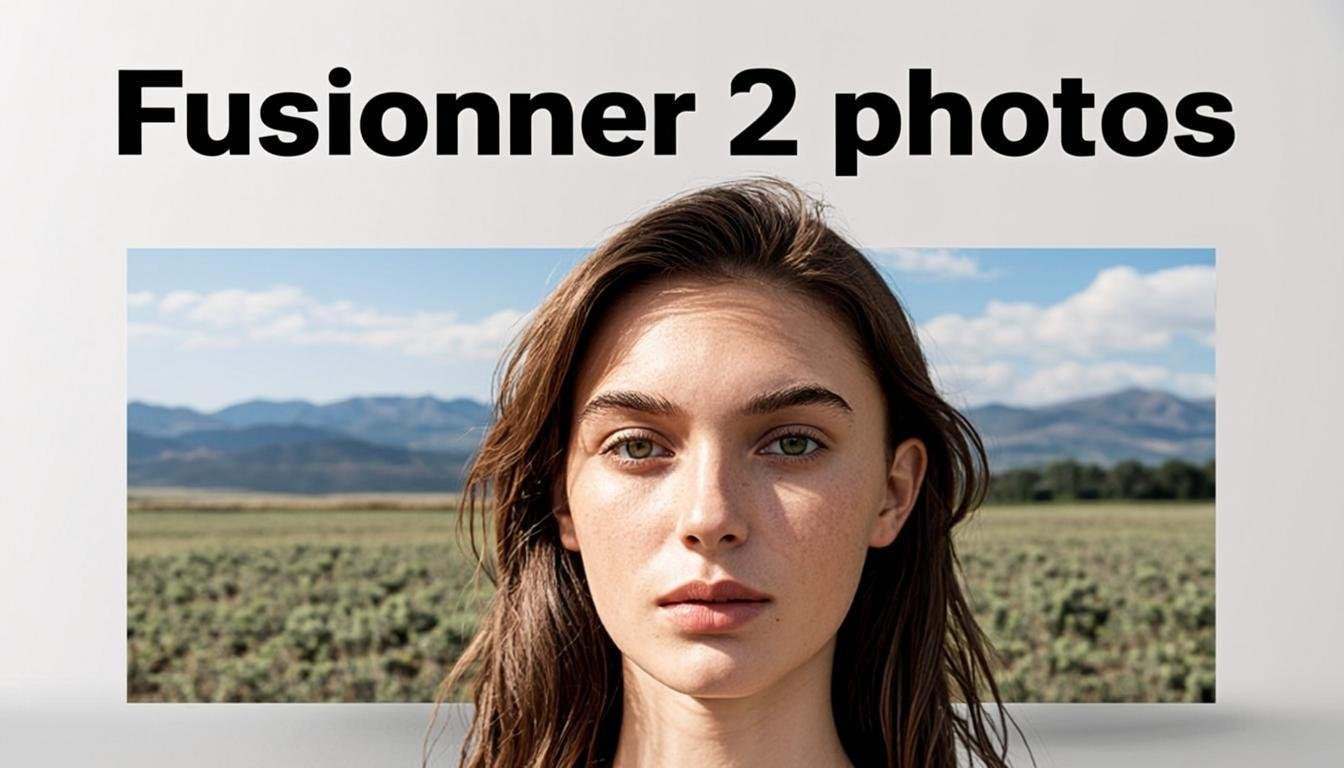
In the world of digital photography, the ability to merge 2 photos opens up a universe of infinite creativity. Whether you're an amateur photographer looking to enhance your compositions or a professional exploring new techniques, image fusion offers extraordinary possibilities. Thanks to recent advances in AI 2 images, it has become easier than ever to combine two images harmoniously and spectacularly.
This complete guide will show you all the techniques, tools, and tips to master the art of merging 2 photos. We'll explore traditional methods and modern AI-based solutions, allowing you to create visuals that captivate and impress.
Why merge 2 photos?
Image fusion serves several creative and functional needs in photography:
- Creating panoramas: Assembling multiple views to capture an extended landscape
- HDR effects: Combining multiple exposures to get a perfectly exposed image
- Artistic double exposure: Creating abstract and poetic images
- Advanced retouching: Combining the most successful elements from multiple shots
- Special effects: Adding elements impossible to capture in a single shot
The arrival of AI 2 image tools has revolutionized these practices, automating processes that were once complex and reserved for experts.
Traditional methods to merge 2 photos
Before the era of artificial intelligence, photographers used various techniques to combine two images:
1. Manual alignment
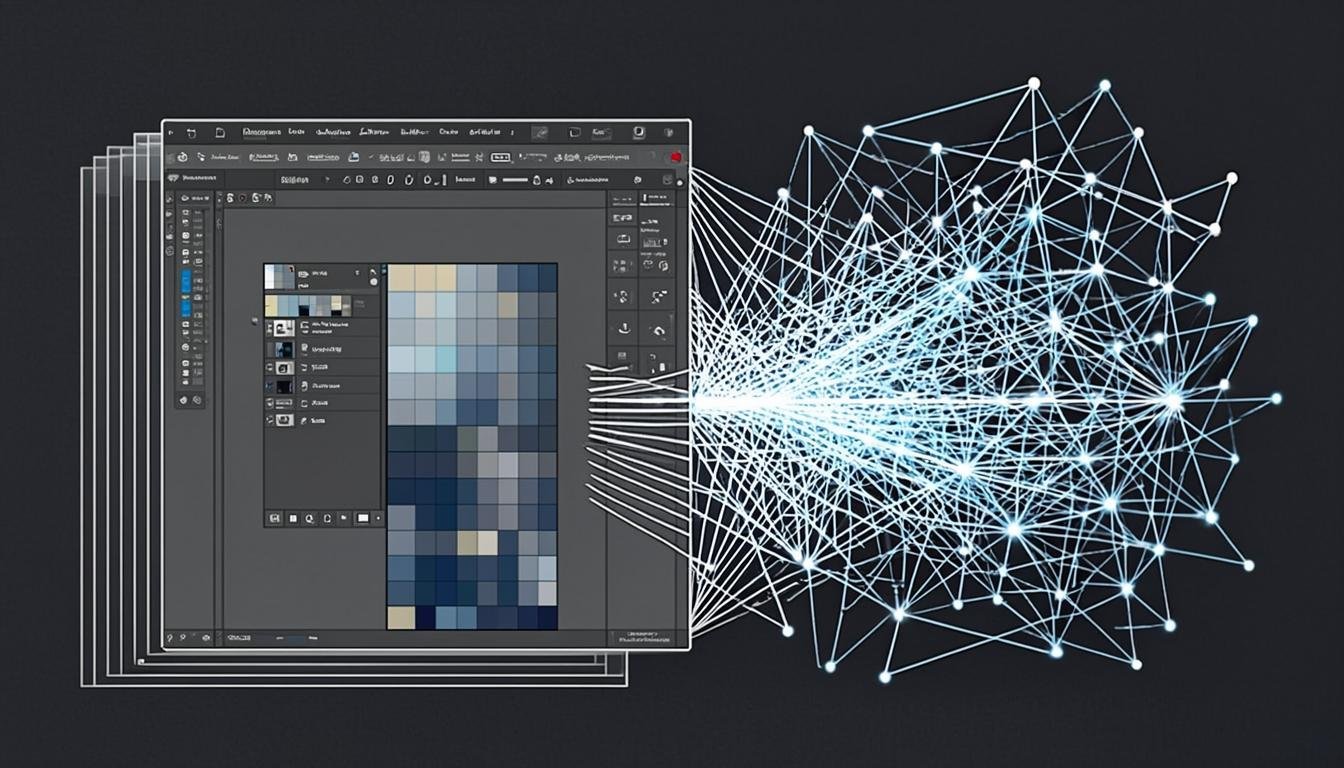
The most basic method involves overlaying two images in an editor like Photoshop and manually adjusting the opacity, position, and size of each layer. This technique requires great precision and a lot of time to achieve a natural result.
2. Adjustment masks
Masks allow precise control over where each image is visible. By painting with black or white, you can create smooth transitions between the two photos. This technique offers more control but requires good mastery of the photo editor.
3. Manual HDR merging
To create HDR images, you take multiple photos of the same scene with different exposures. Then, you manually select the best-exposed areas from each image to combine them. The result is an image with extended dynamic range, preserving details in shadows and highlights.
These traditional methods, while powerful, require technical expertise and considerable time. Fortunately, technological evolution has introduced more accessible solutions.
AI revolutionizes photo merging
Artificial intelligence has radically transformed how we can merge 2 photos. Modern algorithms automatically analyze images, identify relevant areas, and create natural transitions between the two photos.
1. Automatic edge detection
AI 2 image tools use edge detection algorithms to automatically separate elements in a photo from its background. This technology allows combining two images while preserving the finest details, such as hair or tree leaves.
2. Smart alignment
Automatic alignment corrects perspective and movement differences between shots, ensuring perfect fusion even when photos weren't taken with a tripod.
Related articles