From Pixel to Retouching: The Essentials of Image Processing
Discover the world of image processing, from pixel fundamentals to advanced photo retouching techniques. Master digital editing.
Introduction
In the digital age, photography has undergone an unprecedented revolution. Every day, billions of images are captured, shared, and admired around the world. But before reaching those perfect photos that fill our news feeds and galleries, a crucial step occurs: image processing. Between the simple pixel and sophisticated photo retouching lies a fascinating universe that transforms raw capture into a work of art.
Image processing represents all the techniques and operations applied to a digital image to improve its quality, modify its appearance, or extract specific information. Whether you're an amateur photographer looking to enhance your vacation photos, a professional seeking to perfect your portfolio, or simply a curious mind interested in the science behind the images we consume daily, understanding the basics of image processing is essential.
This article will guide you through the intricacies of image processing, from fundamental concepts like the pixel to advanced photo retouching techniques. We'll explore how digital editing has transformed our way of perceiving and creating images, and how you can master these skills to enhance your own photographs.
The Pixel: The Fundamental Building Block of Digital Images
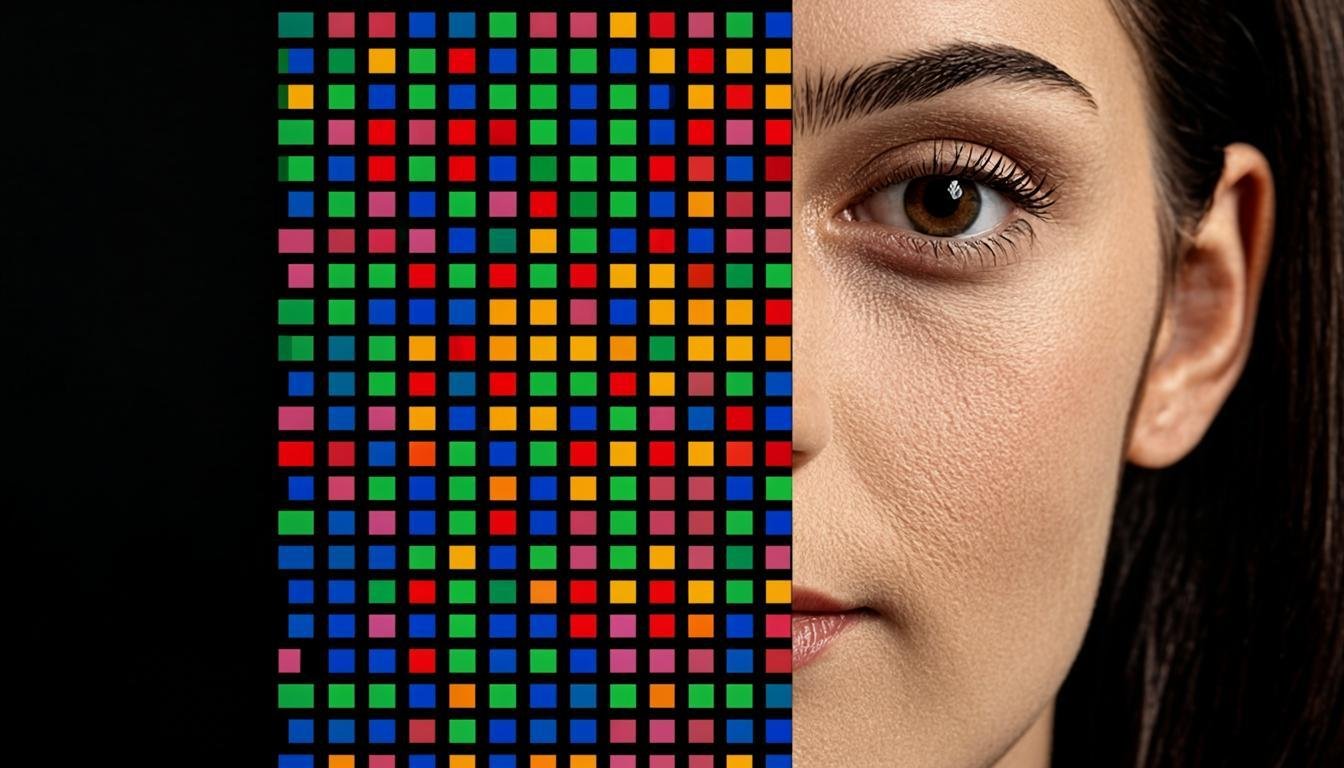
To understand image processing, we must first return to its basics: the pixel. The term "pixel" is a contraction of "picture element". Every digital image we see is composed of a grid of these tiny colored squares, each containing specific information about color and light intensity.
What is a Pixel?
A pixel is the smallest constituent element of a digital image. When you zoom in sufficiently on a photo, you can observe these individual squares that make up the image. Each pixel typically contains three color information: red, green, and blue (RGB in English), which combine to create the final color we perceive.
The resolution of an image, often expressed in megapixels (millions of pixels), determines the level of detail. A 12-megapixel image contains approximately 12 million pixels, offering higher print quality than a 3-megapixel image. However, the higher the resolution, the larger the file size and the greater the resources required for processing.
Color Depth and Dynamic Range
In addition to their number, pixels also have a "color depth" that determines the number of shades a pixel can display. A depth of 8 bits per channel (24 bits total) can display about 16.7 million different colors, while a depth of 16 bits per channel (48 bits total) offers more than a trillion shades, essential for lossless image processing.
The "dynamic range" of an image refers to the range of brightness captured, from the deepest shadows to the brightest highlights. Modern sensors and file formats like RAW capture a wider dynamic range than standard JPEG formats, offering more flexibility during image processing.
Image Formats and Their Implications
The choice of image format directly influences processing possibilities. JPEG formats, compressed with loss, are practical for sharing but limit post-capture adjustments. RAW formats, uncompressed or losslessly compressed, retain all information captured by the sensor, offering significantly greater processing latitude.
Other formats like TIFF or PNG have their own characteristics: TIFF is often used for high-quality work, while PNG preserves transparency and is ideal for graphics with sharp lines. Understanding these differences is
Related articles