Image formats: JPG, PNG, WEBP, AVIF and HEIC
Discover all image formats, their advantages and disadvantages to optimize your online visuals.
Introduction
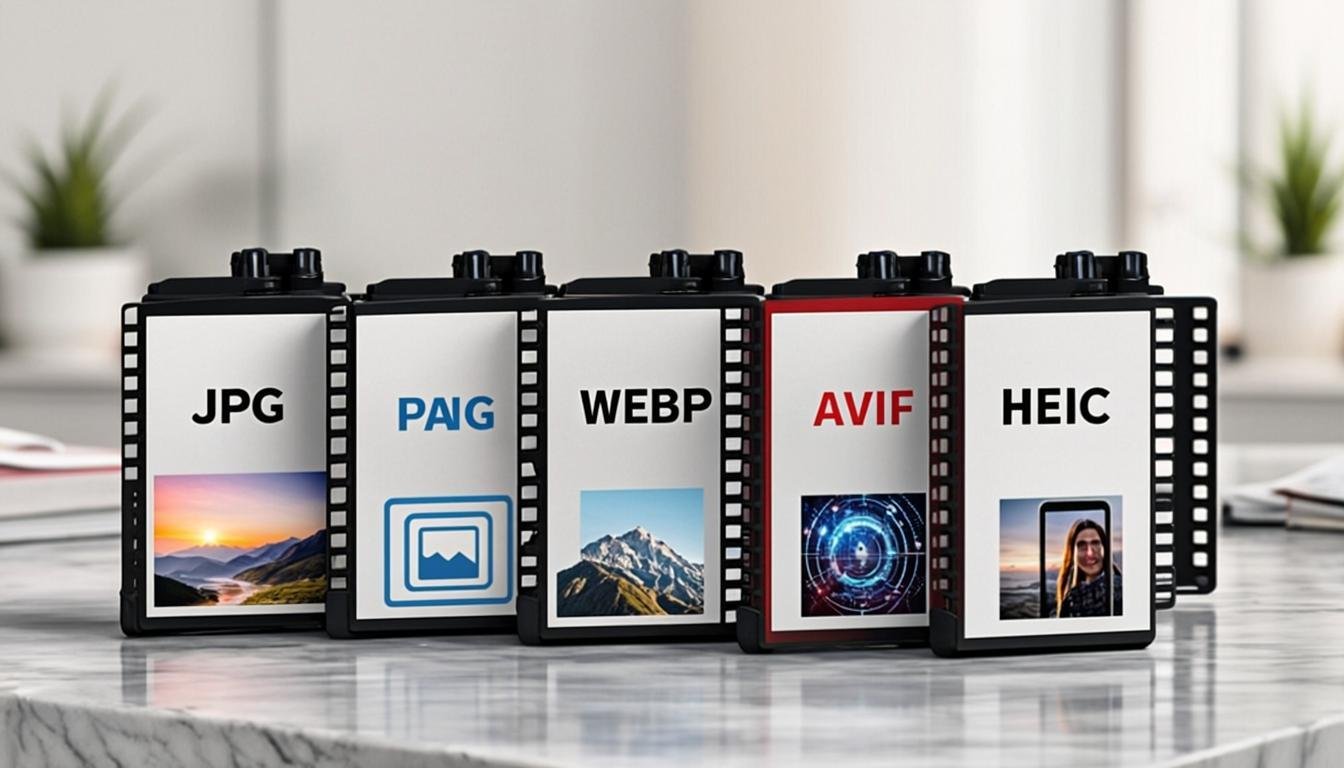
In today's digital world, images are omnipresent. Whether for a website, social media, or a presentation, choosing the right image format is crucial to ensure optimal quality while maintaining fast loading times. Among the multitude of available formats, some have become indispensable standards: JPG, PNG, WEBP, AVIF, and HEIC. Each of these formats has its own characteristics, advantages, and disadvantages. In this article, we will explore these different image formats in detail to help you make the best choice for your specific needs.
The Most Common Image Formats
JPG (or JPEG)
The JPG (Joint Photographic Experts Group) format is undoubtedly the most widespread on the internet. Created in 1992, it uses lossy compression, which means that some of the image data is lost during the compression process. This compression significantly reduces file size, making it ideal for photos and complex images with many colors and gradients.
Advantages:
- Reduced file size through lossy compression
- Wide compatibility with all browsers and devices
- Ideal for photographs and images with many colors
Disadvantages:
- Loss of quality after each save
- Less suitable for images with solid color areas or text
PNG
The PNG (Portable Network Graphics) format was created in 1996 as an alternative to the GIF format. Unlike JPG, PNG uses lossless compression, which means the image quality is preserved after compression. It supports transparency (alpha channel) and is ideal for simple graphics, logos, and images requiring transparency.
Advantages:
- Lossless compression, quality preserved
- Supports transparency
- Ideal for graphics, logos, and text
Disadvantages:
- Larger files than JPG
- Less suitable for complex photographs
New Image Formats
WEBP
Developed by Google in 2010, the WEBP format was designed to replace JPG and PNG on the web. It offers both lossy and lossless compression and supports transparency and animation. Tests show that WEBP can reduce file sizes by 25 to 35% compared to PNG and 25 to 45% compared to JPG, without any perceptible loss in quality.
Advantages:
- Very efficient compression
- Supports transparency and animation
- Quality preserved with smaller files
Disadvantages:
- Less compatible with older browsers
- Limited support in some editing software
AVIF
AVIF (AV1 Image File Format) is a more recent format, based on the AV1 video compression technology. It offers even more efficient compression than WEBP, with size reductions of up to 50% compared to JPEG, while maintaining superior quality. AVIF also supports transparency and HDR (High Dynamic Range) colors.
Advantages:
- Extremely efficient compression
- Superior quality compared to other formats
- Supports transparency and HDR colors
Disadvantages:
- Very new, so limited compatibility
- Still limited support
HEIC
HEIC (High Efficiency Image Container) is the image format used by Apple devices since iOS 11. It offers compression similar to AVIF, with files up to 50% smaller than JPG while maintaining equivalent quality. HEIC also supports transparency and metadata.
Advantages:
- Very efficient compression
- Quality preserved
- Supports transparency and metadata
Disadvantages:
- Incompatible with non-Apple systems
- Conversion needed for use on other platforms
How to choose the right image format?
The choice of image format depends on several factors, including the type of image, the intended use, and compatibility constraints. Here are some recommendations:
- For photographs: JPG or WEBP for good compression, or AVIF if compatibility is not an issue.
- For graphics, logos, and images with text: PNG or WEBP to preserve quality and sharpness.
- For images requiring transparency: PNG, WEBP, or AVIF.
- For the web: prefer WEBP or AVIF for better loading times.
Image optimization for the web
Image optimization is essential for improving a website's performance. Images that are too large can slow down page loading, which can harm the user experience and SEO. Here are some tips for optimizing your images:
- Choose the right format based on its use.
- Compress your images without any perceptible loss of quality.
- Resize your images to the required dimensions.
- Use the
srcsetandsizesattributes to provide different resolutions based on devices.
Tools for converting and optimizing images
Many tools allow you to convert and optimize your images into different formats. Among them are:
- AllCombiner: an online platform that lets you convert, merge, and optimize your images in different formats. You can find more information on AllCombiner.
- Software like Adobe Photoshop, GIMP, or ImageOptim for more advanced optimization.
Conclusion
Choosing the right image format is essential to ensure optimal visual quality while maintaining fast loading times. Whether for photographs, graphics, or images requiring transparency, each format has specific advantages and disadvantages. By understanding the characteristics of JPG, PNG, WEBP, AVIF, and HEIC, you can make informed choices for your specific needs.
To help you convert and optimize your images in different formats, we recommend using tools like AllCombiner. With its advanced features and competitive pricing, AllCombiner is the ideal solution for all your image processing needs. Try it today and transform your image management workflow!
Related articles